v2026.52
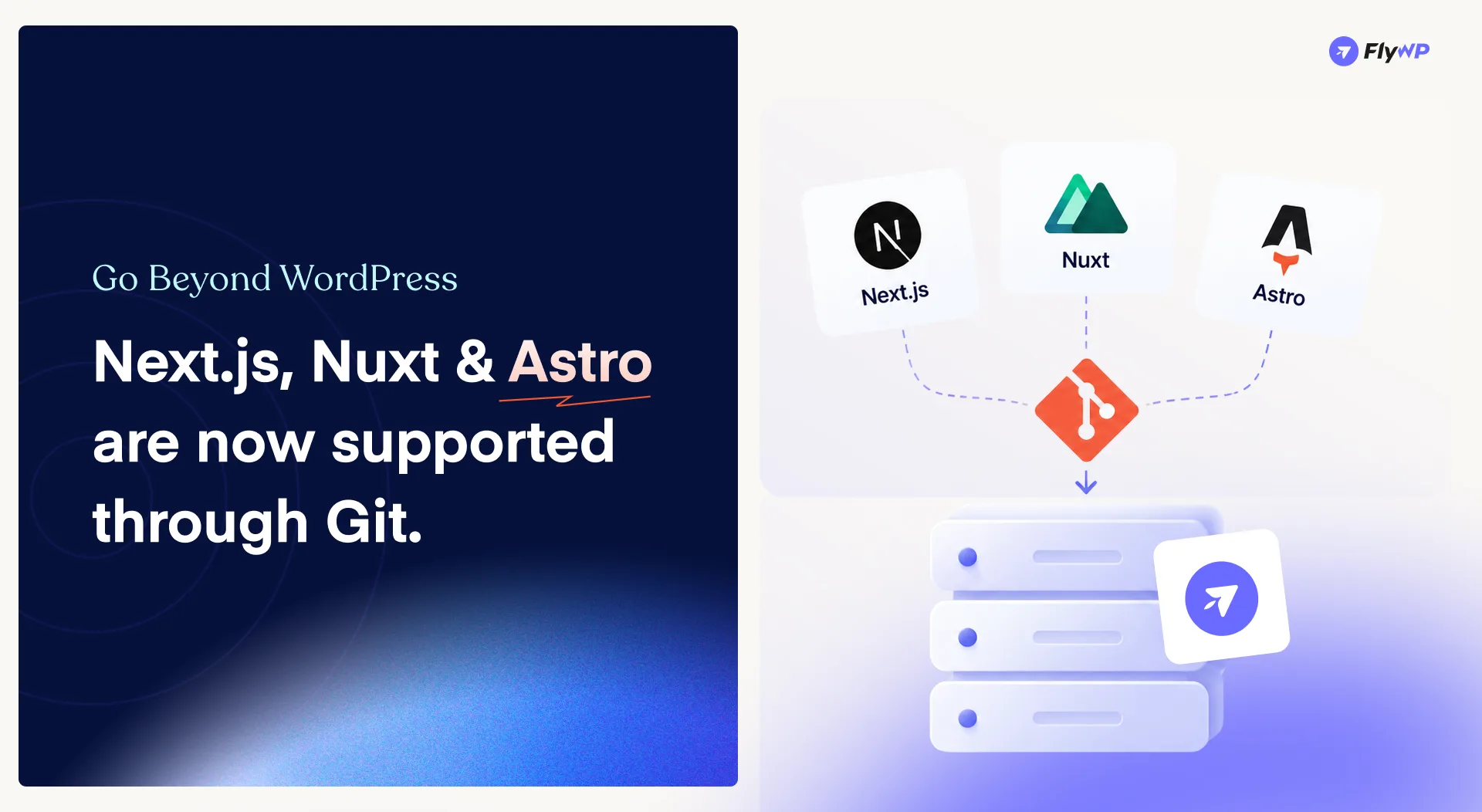
New in FlyWP: Next.js, Nuxt & Astro Support Through Git
FlyWP is expanding beyond WordPress.
With the latest release, v2026.52, you can now deploy and manage Next.js, Nuxt, and Astro applications through Git—bringing modern Node.js application workflows into FlyWP.
This release also brings the Public API back online with improvements and changes, along with several fixes to make cloning, Git workflows, domain management, and backup cleanup more reliable.
Let’s explore what’s new.
🚀 New Features
Next.js, Nuxt & Astro Site Support Through Git
FlyWP now supports deploying Next.js, Nuxt, and Astro sites through Git, making it easier to manage modern Node.js applications alongside your existing WordPress infrastructure.
All three frameworks share a unified deployment approach, powered by a common Compose generator and Debian-based Node image.
What’s Supported
- Next.js, Nuxt & Astro applications
- Node.js 24, 22, or 20
- Node version resolved from your project’s
engines.node - Git-based deployments
git pull --ff-onlydeployment workflow- Choice of package manager
- Server or Static runtime
- Shared Compose generation across the Node framework family
- Debian-based Node image
Git is required for these deployments, giving you a familiar workflow for connecting your repositories and deploying application changes through FlyWP.
Whether you’re building a dynamic Next.js application, a Nuxt project, or a static Astro site, you can now bring your Node-based projects into the same infrastructure management workflow.
Public API Is Back Online
The FlyWP Public API is back online, with a number of improvements and changes included in this release.
This restores API access while providing a stronger foundation for developers and teams building integrations and automated workflows around FlyWP.
🛠️ Bug Fixes
- Second-Clone Package Install Fix: A second clone from the same server no longer fails during package installation. When the
dpkglock is already in use, the clone process now waits instead of exiting prematurely. - Git Step No More Dead-Ends: Users without a connected Git provider will now receive clearer guidance instead of seeing three grey cards with a disabled Next button and no explanation. This makes the Git setup flow more understandable and prevents users from getting stuck.
- Domain Update Preserves DNS: Updating a domain no longer resets its status, parent, extra, and wildcard values. This also prevents the
*.fqdnDNS record from being unintentionally deleted whenever a domain is updated. - Cleaner Source Site Deletion: Deleting a source site after a clone or transfer now also removes its associated database rows and deploy key, keeping the system cleaner after migration workflows.
🔧 Hotfixes
- Legacy Backup Cleanup: Fixed an issue affecting S3 backup cleanup after the configured retention period. The issue impacted a small number of users using third-party S3 providers. Additionally, provider errors are now recorded when an S3 backup deletion fails, making backup cleanup issues easier to identify and troubleshoot.
Wrapping Up
With Next.js, Nuxt, and Astro support through Git, FlyWP takes another step toward supporting more modern application stacks alongside WordPress.
Combined with the return of the Public API and improvements across cloning, Git workflows, domain management, and backup cleanup, this release makes FlyWP more flexible for developers while improving the reliability of everyday workflows.
More frameworks. More flexibility. One platform.
As always, we’ll continue refining FlyWP based on real-world usage and community feedback. If you encounter anything unexpected or have suggestions, feel free to share them with us. More improvements are on the way.