How to upload Unfiltered fonts/unsupported files on WordPress using FlyWP?
To enable unfiltered uploads in WordPress, you need to manually edit the wp-config.php file:
- Access Your WordPress Files: Use an FTP client or your hosting provider’s file manager.
- Locate
wp-config.php: You will find wp-config.php under your FlyWP Sites > WP Config section. - Edit
wp-config.php: Go with the Edit Manually
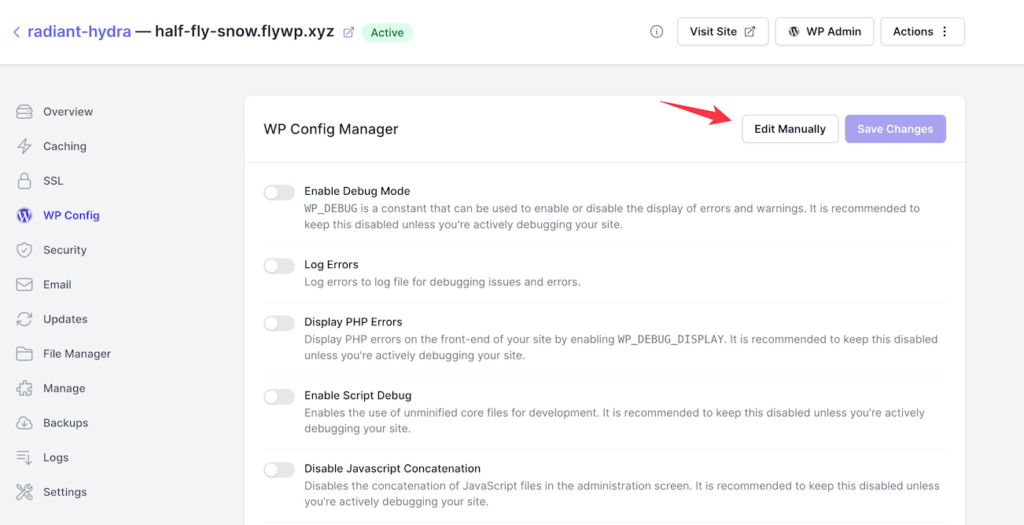
- Add the Following Line: Preferably above the line that says
/* That's all, stop editing! Happy publishing. */
define('ALLOW_UNFILTERED_UPLOADS', true);- Save Changes: Save and upload the file back to your server if needed.
This change allows unfiltered uploads, so use it with caution due to potential security risks.
Still stuck? How can we help?